
Adobe Express Review: Pricing, Pros, Cons & Best For
Quick social media graphics, video, marketing assets, and branded content.
Easy content creation combined with Adobe assets and generative AI tools.
Less advanced than full professional Adobe applications.
What can you use Adobe Express for?
Should you use Adobe Express?
Adobe Express is a practical Canva alternative for users who want fast social and marketing design while staying inside the Adobe ecosystem. Professional designers will still need more advanced Adobe applications for complex work.
What we like
- Easy to use
- Strong Adobe ecosystem integration
- Good templates
- Useful quick video and image tools
- Free plan available
What to consider
- Less control than professional Adobe apps
- Some premium assets require paid plan
- Not ideal for complex design systems
Overview
Adobe Express is a lightweight design and content creation platform for social graphics, short videos, image editing, branded assets, and content scheduling.
What is Adobe Express?
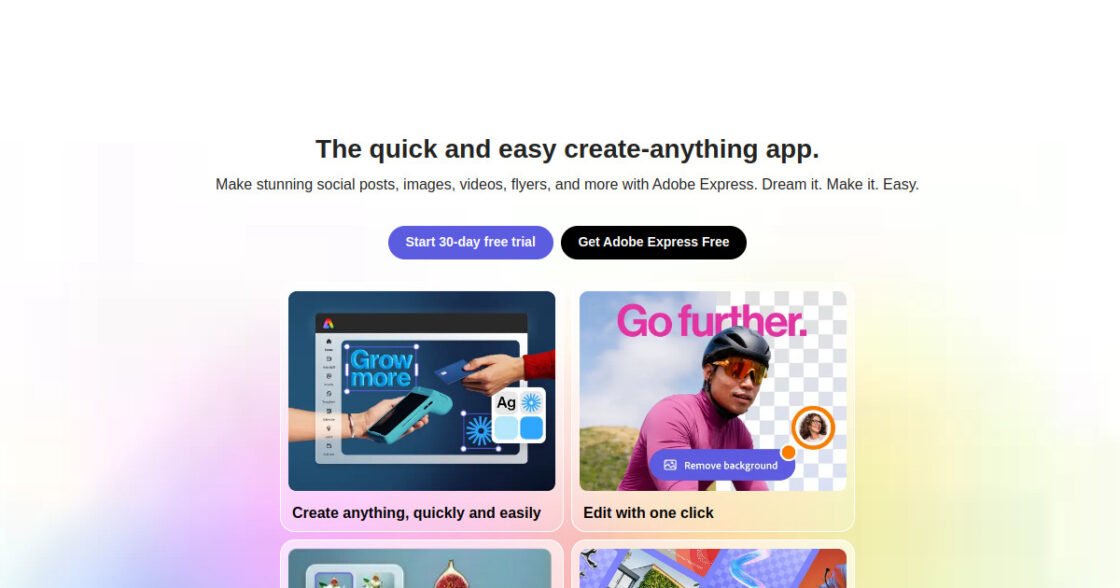
Adobe Express is a browser- and app-based design platform for creating social graphics, videos, flyers, presentations, and other branded content with templates, stock assets, and AI-assisted creative tools.
Where Adobe Express fits in a small business workflow
Adobe Express fits small businesses and marketing teams that need to create branded visual content quickly without opening a full professional design application. It works especially well for recurring social posts, short videos, promotional graphics, and simple brand assets that need fast editing and resizing.
When Adobe Express may not be the right fit
Adobe Express may not be the right fit for teams that need advanced vector, photo, or layout control comparable with dedicated professional Adobe applications. Power users may outgrow its simplified editing environment.
Who is Adobe Express best for?
Available on: Android, iOS, Web.
Who should choose it?
Choose Adobe Express if you want quick marketing design tools and already use or prefer the Adobe ecosystem.
Who should skip it?
Skip Adobe Express if you need advanced professional design, illustration, or production workflows.
Similar tools to consider

Creating social media graphics, presentations, marketing materials, videos, and brand content without professional design software.
View details
Designers, marketers, agencies, and small businesses that want generative image creation and editing inside an Adobe-centered commercial creative workflow.
View details
Collaborative interface design, prototyping, website design, and visual product design.
View detailsPricing and core product details were last checked on Oct 10, 2026. Software pricing and features can change, so confirm important details on the official website before purchasing.