
Canva Review: Pricing, Pros, Cons & Best For
Creating social media graphics, presentations, marketing materials, videos, and brand content without professional design software.
Extremely easy to use with a huge template and content library.
Advanced design control is more limited than professional tools such as Adobe applications.
What can you use Canva for?
Should you use Canva?
Canva is one of the easiest ways for small businesses and marketing teams to produce professional-looking visual content without dedicated design software. It is especially useful for repeatable marketing assets and collaboration, although advanced designers may find its controls limiting.
What we like
- Very easy to learn
- Huge template library
- Strong collaboration features
- Useful brand management tools
- Supports graphics, presentations, documents, and video
What to consider
- Less precise than professional design software
- Many premium assets require a paid plan
- Template-heavy designs can look generic without customization
Overview
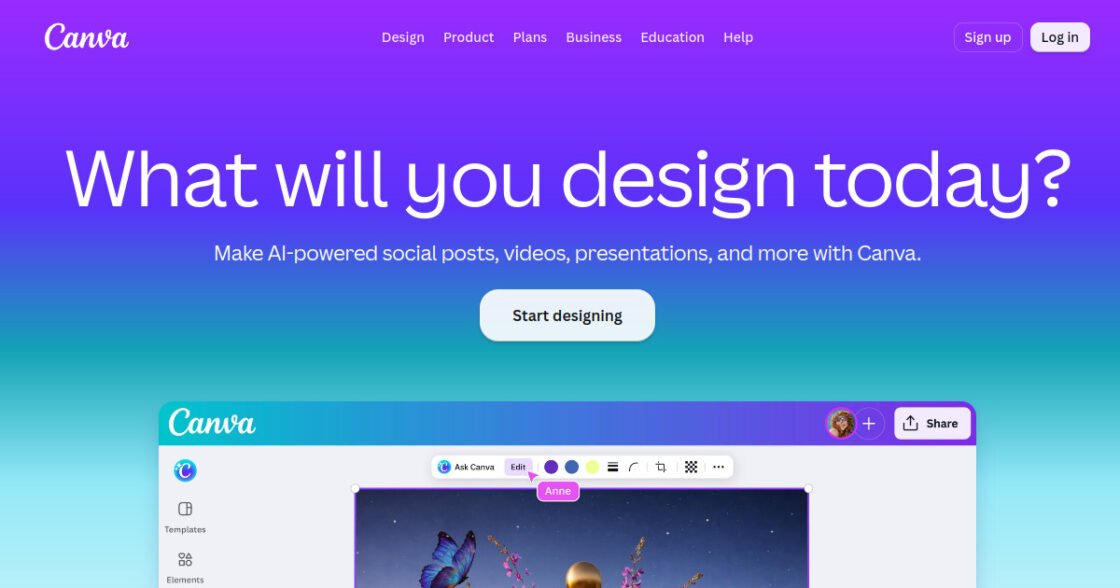
Canva is an easy-to-use visual communication platform for creating social media graphics, presentations, videos, documents, marketing assets, and branded content. It combines templates, stock assets, collaboration, and AI-assisted creative tools in a browser-based workspace.
What is Canva?
Canva is a visual communication platform for creating social media graphics, presentations, videos, documents, marketing assets, and branded content. It combines templates, stock assets, collaboration, and AI-assisted creative tools in a browser-based workspace that is accessible to people without professional design experience.
Where Canva fits in a small business workflow
Canva fits well into the day-to-day content workflow of a small business. Marketing teams can create repeatable social posts, presentations, ads, simple videos, documents, and branded materials without sending every task to a designer. Brand templates and shared assets also help small teams keep visual output more consistent.
When Canva may not be the right fit
Canva may not be sufficient for work that requires advanced vector editing, complex photo manipulation, precise print production, or highly customized professional design workflows. Experienced designers may still need specialist tools for detailed or technically demanding creative work.
Who is Canva best for?
Available on: Android, iOS, macOS, Web, Windows.
Who should choose it?
Choose Canva if your team needs to create polished marketing and business visuals quickly without relying on professional design software for every task.
Who should skip it?
Skip Canva if your work requires advanced vector editing, complex photo manipulation, precise print production, or highly customized professional design workflows.
Similar tools to consider

Quick social media graphics, video, marketing assets, and branded content.
View details
Designers, marketers, agencies, and small businesses that want generative image creation and editing inside an Adobe-centered commercial creative workflow.
View details
Collaborative interface design, prototyping, website design, and visual product design.
View detailsPricing and core product details were last checked on Oct 10, 2026. Software pricing and features can change, so confirm important details on the official website before purchasing.