
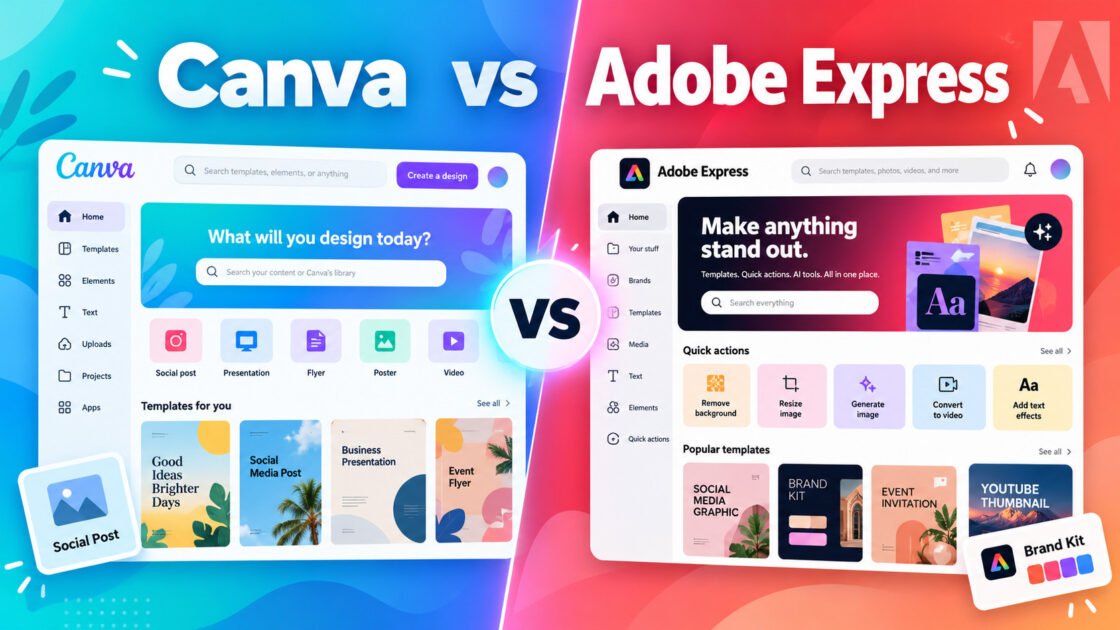
Canva vs Adobe Express
Canva vs Adobe Express: Which Should You Choose?
Compare pricing, free plans, strengths, limitations, and practical use cases. The goal is not to name one universal winner, but to show which tool fits different workflows better.
Choose based on how you work
Choose Canva if…
Choose Canva if your team needs to create polished marketing and business visuals quickly without relying on professional design software for every task.
View Canva details →Choose Adobe Express if…
Choose Adobe Express if you want quick marketing design tools and already use or prefer the Adobe ecosystem.
View Adobe Express details →Canva vs Adobe Express comparison
| Compare | Canva | Adobe Express |
|---|---|---|
| Starting price | $12/mo billed yearly (US) | $9.99/mo |
| Free plan | Yes | Yes |
| Free trial | Yes | Yes |
| Difficulty | Easy | Easy |
| Best for | Creating social media graphics, presentations, marketing materials, videos, and brand content without professional design software. | Quick social media graphics, video, marketing assets, and branded content. |
| Key strength | Extremely easy to use with a huge template and content library. | Easy content creation combined with Adobe assets and generative AI tools. |
| Main limitation | Advanced design control is more limited than professional tools such as Adobe applications. | Less advanced than full professional Adobe applications. |
| Last checked | Oct 2026 | Oct 2026 |
Where each tool stands out
Canva
Key strength: Extremely easy to use with a huge template and content library.
Main limitation: Advanced design control is more limited than professional tools such as Adobe applications.
Adobe Express
Key strength: Easy content creation combined with Adobe assets and generative AI tools.
Main limitation: Less advanced than full professional Adobe applications.
What can you use them for?
Canva
- Social media graphics
- Presentations
- Marketing materials
- Short-form video
- Brand content
Adobe Express
- Social media graphics
- Marketing content
- Short videos
- Image editing
- Content scheduling
Trade-offs to consider
Canva
What we like
- Very easy to learn
- Huge template library
- Strong collaboration features
- Useful brand management tools
- Supports graphics, presentations, documents, and video
What to consider
- Less precise than professional design software
- Many premium assets require a paid plan
- Template-heavy designs can look generic without customization
Adobe Express
What we like
- Easy to use
- Strong Adobe ecosystem integration
- Good templates
- Useful quick video and image tools
- Free plan available
What to consider
- Less control than professional Adobe apps
- Some premium assets require paid plan
- Not ideal for complex design systems
Who should choose each tool?
Canva
Choose it if: Choose Canva if your team needs to create polished marketing and business visuals quickly without relying on professional design software for every task.
Skip it if: Skip Canva if your work requires advanced vector editing, complex photo manipulation, precise print production, or highly customized professional design workflows.
Adobe Express
Choose it if: Choose Adobe Express if you want quick marketing design tools and already use or prefer the Adobe ecosystem.
Skip it if: Skip Adobe Express if you need advanced professional design, illustration, or production workflows.
Compare any two tools
Use the interactive comparison tool for combinations that do not have a permanent guide yet.