
SocialBee
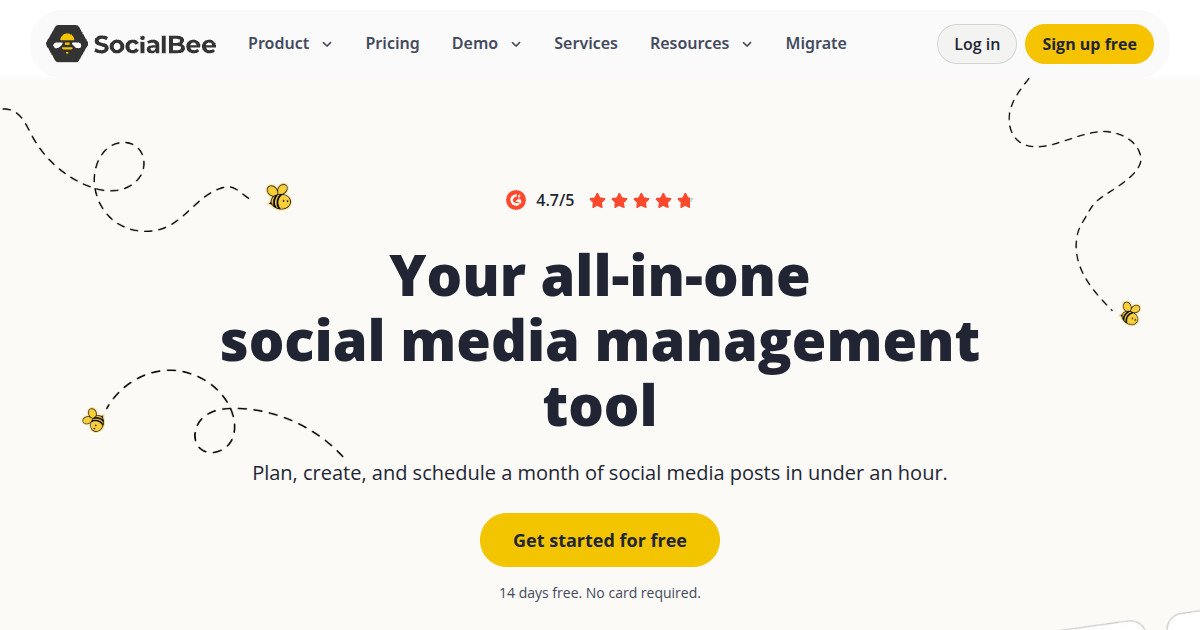

SocialBee Review: Pricing, Pros, Cons & Best For
Teams that publish recurring educational, promotional, and evergreen content using repeatable topic-based schedules.
Content-category queues and recurring schedules reduce manual planning for a consistent, long-running content program.
No permanent free tier; Bootstrap is limited to one user and five profiles, while approvals and advanced analytics need higher plans.
What can you use SocialBee for?
Should you use SocialBee?
SocialBee is worth considering if your publishing routine depends on repeating content categories and reusing evergreen posts. For occasional posting it may feel more complex and costly than simpler schedulers.
What we like
- Content-category scheduling
- Evergreen content recycling
- AI content generation
- 5 profiles on Bootstrap
- 14-day trial
- Higher plans add approvals and advanced analytics
What to consider
- No free-forever plan
- Bootstrap limited to 1 user and 5 profiles
- Setup is more involved than a basic queue
- Advanced reporting and post approvals require higher plans
Overview
SocialBee is a social media scheduling and automation platform centered on content categories, recurring publishing routines, and reusable evergreen posts. It also provides AI content assistance and analytics. Its Bootstrap plan supports five social profiles, while larger tiers expand categories, analytics history, and approval or collaboration features.
What is SocialBee?
SocialBee is a social media management tool built for planning content by category, scheduling posts, and reusing evergreen material. AI drafting features support content preparation, while tiered analytics and collaboration tools help larger teams scale their workflow.
Where SocialBee fits in a small business workflow
Create content categories such as tips, promotions, and testimonials; build a recurring calendar; prepare drafts; publish and reuse evergreen material; and review metrics within the plan limits.
When SocialBee may not be the right fit
Not the best choice for minimal posting needs, free-only workflows, or teams requiring multi-user approvals and long analytics history without paying for a higher tier.
Who is SocialBee best for?
Available on: Android, iOS, Web.
Who should choose it?
Choose SocialBee if you post the same types of content repeatedly and want categories and recurring schedules to keep your channels active.
Who should skip it?
Skip SocialBee if you post only occasionally, need a permanently free plan, or expect advanced approval and reporting features at entry-level pricing.
Similar tools to consider

Solo creators and small businesses that need a simple queue for consistent posting across a few social channels.
View details
Marketers who need social scheduling and performance analysis together, especially when tracking several brands.
View details
Creators and freelancers who want low starting costs, organized post queues, and options to grow account by account.
View detailsPricing and core product details were last checked on Oct 17, 2026. Software pricing and features can change, so confirm important details on the official website before purchasing.