
Buffer
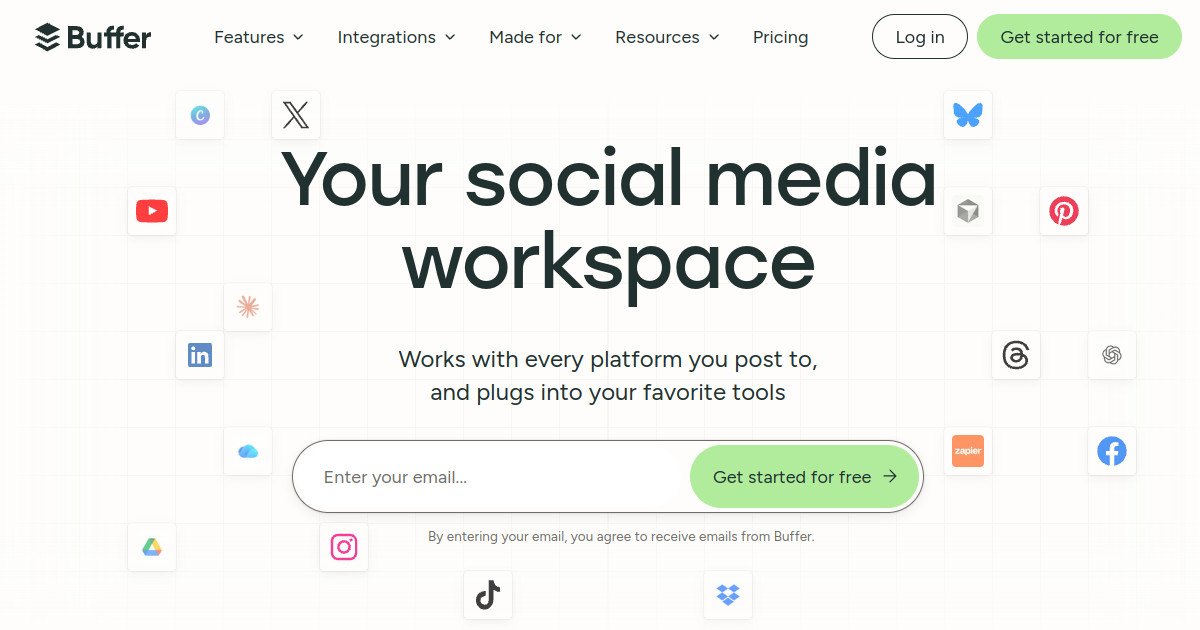

Buffer Review: Pricing, Pros, Cons & Best For
Solo creators and small businesses that need a simple queue for consistent posting across a few social channels.
Straightforward scheduling, an approachable interface, and transparent per-channel pricing.
Paying per channel becomes costly as accounts grow; deeper analytics and approval workflows require paid tiers.
What can you use Buffer for?
Should you use Buffer?
Buffer is an excellent starting point when you value fast setup and a simple publishing routine. The free tier covers a few channels; Essentials suits frequent solo publishers, while Team is better for review and approvals.
What we like
- Simple posting queue and calendar
- Free plan for 3 channels
- 10 scheduled posts per channel on Free
- AI writing assistant
- Advanced analytics on Essentials
- Team approvals on Team plan
What to consider
- Paid pricing scales per channel
- Free scheduling limited to 10 queued posts per channel
- Advanced reporting requires paid plan
- Approval workflows require Team plan
Overview
Buffer is a streamlined social media management platform for planning, scheduling, publishing, and reviewing content across multiple networks. Creators can organize ideas, build a posting queue, and use basic insights on the free plan. Paid plans add unlimited scheduled posts per channel and deeper analytics, while the Team plan adds approval and collaboration workflows.
What is Buffer?
Buffer is a social media publishing and planning tool for creators, freelancers, and small marketing teams. Its workflow centers on collecting ideas, drafting content, scheduling posts to connected channels, and understanding basic performance. Features such as deeper analytics and approval controls depend on the chosen plan.
Where Buffer fits in a small business workflow
Capture post ideas, turn them into drafts, queue content for each channel, review basic results, and upgrade for more scheduling capacity or team approvals when the workflow grows.
When Buffer may not be the right fit
Less suitable for teams whose core requirement is enterprise social listening, extensive competitor tracking, or large-scale multi-brand approvals at a fixed account-independent price.
Who is Buffer best for?
Available on: Android, iOS, Web.
Who should choose it?
Choose Buffer if you manage a small number of social accounts and want an easy scheduler without a complicated social media dashboard.
Who should skip it?
Skip Buffer if you primarily need broad social listening, competitor benchmarking, or complex agency governance rather than a simple publishing workflow.
Similar tools to consider

Creators and freelancers who want low starting costs, organized post queues, and options to grow account by account.
View details
Visual-first brands planning Instagram, TikTok, and other social content with a clear publishing calendar.
View details
Teams that publish recurring educational, promotional, and evergreen content using repeatable topic-based schedules.
View detailsPricing and core product details were last checked on Oct 17, 2026. Software pricing and features can change, so confirm important details on the official website before purchasing.