
Slack

Slack Review: Pricing, Pros, Cons & Best For
Teams that want fast internal communication, searchable channels, app integrations, huddles, and lightweight collaborative workflows.
Excellent real-time team communication with a large integration ecosystem and strong channel-based collaboration model.
Free workspaces only expose 90 days of searchable message history, and constant notifications can become distracting without good team norms.
What can you use Slack for?
Should you use Slack?
Slack is a strong collaboration hub for teams that need faster communication than email and want conversations connected to business apps. It works best when teams create clear channel and notification conventions instead of treating every message as urgent.
What we like
- Fast team communication
- Large app marketplace
- Strong channel model
- Huddles and file sharing
- Slack Connect
- Workflow and collaboration features
What to consider
- Free plan limits searchable history
- Can create notification overload
- Important decisions can become buried in chat without documentation habits
Overview
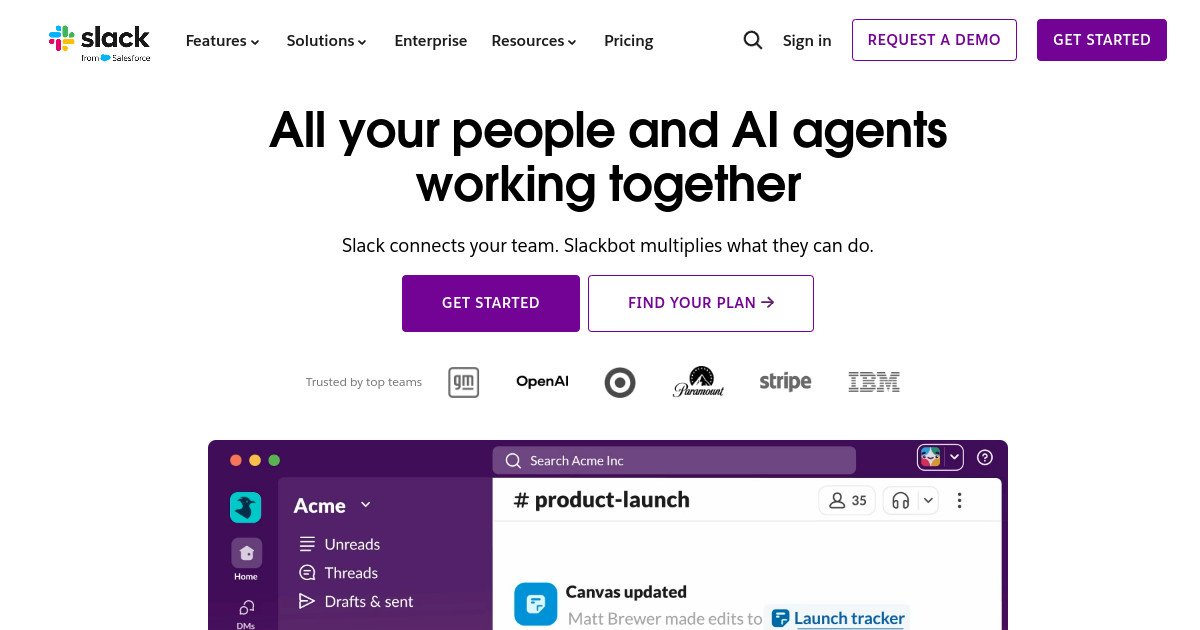
Slack is a team communication and collaboration platform built around channels, direct messages, huddles, file sharing, app integrations, workflows, canvases, and searchable work history.
What is Slack?
Slack is a team communication and collaboration platform organized around channels, direct messages, huddles, file sharing, app integrations, canvases, lists, and workflows. It acts as a communication layer that can connect people with the other software they use throughout the workday.
Where Slack fits in a small business workflow
Slack fits teams that need quick coordination across projects, departments, and external partners. Notifications from CRM, project, support, development, and automation tools can flow into shared channels, while conversations, huddles, and lightweight workflows keep day-to-day coordination moving without relying entirely on email.
When Slack may not be the right fit
Slack may not be the right fit as a replacement for structured project management or permanent documentation. Without strong channel, notification, and documentation habits, important decisions can disappear into chat and employees can spend too much time responding to interruptions.
Who is Slack best for?
Available on: Android, iOS, macOS, Web, Windows.
Who should choose it?
Choose Slack if your team needs fast internal communication, project channels, app integrations, and searchable collaboration that is more immediate than email.
Who should skip it?
Skip Slack if your team primarily needs structured project management or if constant chat would create more distraction than coordination. Teams with strong documentation needs should pair Slack with a durable knowledge system.
Similar tools to consider

Teams that want structured project management with clear ownership, deadlines, workflows, goals, and cross-project visibility.
View details
Teams that want project management, docs, goals, time tracking, dashboards, chat, and automation in one configurable work platform.
View details
Teams that want visual project and process management with customizable boards, dashboards, automations, and cross-team workflows.
View detailsPricing and core product details were last checked on Oct 10, 2026. Software pricing and features can change, so confirm important details on the official website before purchasing.