
monday.com
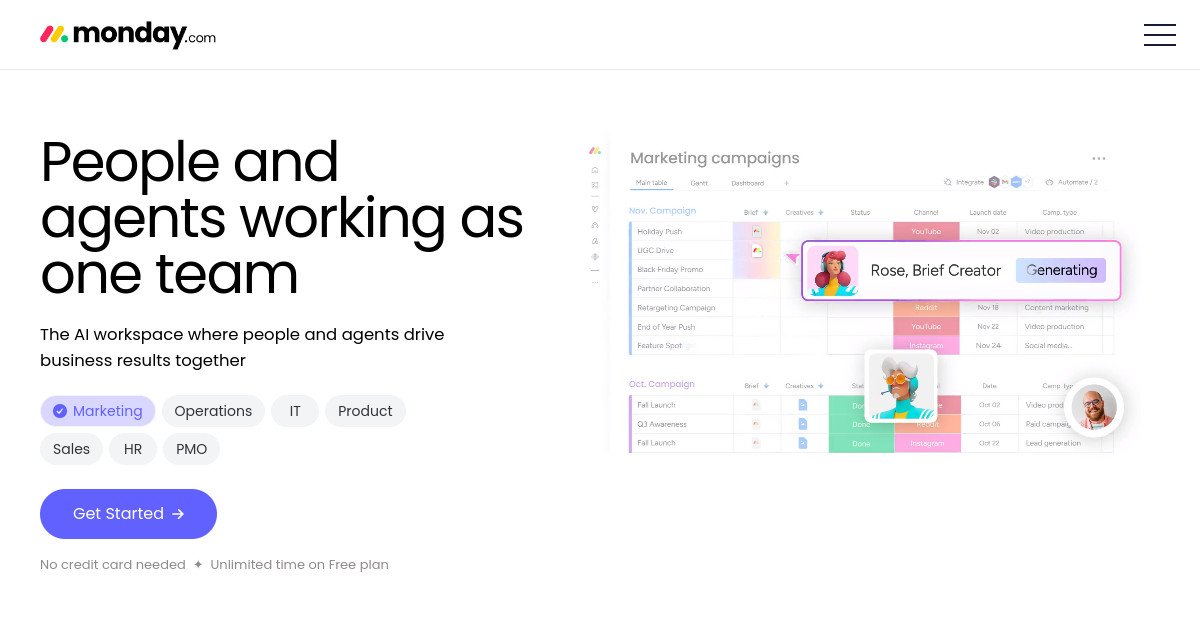

monday.com Review: Pricing, Pros, Cons & Best For
Teams that want visual project and process management with customizable boards, dashboards, automations, and cross-team workflows.
Flexible visual boards and dashboards make it easy to model many different business processes without code.
Pricing and seat structure can become expensive for small teams, especially when advanced automation, reporting, or multiple monday products are needed.
What can you use monday.com for?
Should you use monday.com?
monday.com is a strong option for teams that want flexible visual work management with powerful dashboards and automations. It can support many business processes, but smaller teams should watch seat requirements and plan costs carefully.
What we like
- Flexible visual boards
- Strong dashboards
- Good automations and integrations
- Many templates
- Works across project and operational workflows
- Mobile apps
What to consider
- Seat-based pricing can be costly
- Free plan limited to 2 seats and 3 boards
- Advanced features require higher tiers
Overview
monday.com is a visual work management platform for projects, processes, dashboards, automations, forms, docs, and cross-team collaboration.
What is monday.com?
monday.com is a visual work management platform built around configurable boards, columns, views, dashboards, forms, automations, and integrations. Teams can use it to manage projects, recurring processes, operations, campaigns, resources, and cross-functional work.
Where monday.com fits in a small business workflow
monday.com fits teams that want to design workflows visually rather than follow one rigid project-management method. Marketing, operations, and agency teams can build boards for campaigns, pipelines, production schedules, client work, and reporting, then connect them with automations and dashboards.
When monday.com may not be the right fit
monday.com may not be the right fit if you only need basic task lists or Kanban boards. The platform becomes more valuable as workflow complexity grows, but seat-based pricing and higher-tier features can make it expensive for small teams that use only a fraction of its capabilities.
Who is monday.com best for?
Available on: Android, iOS, macOS, Web, Windows.
Who should choose it?
Choose monday.com if your team wants visual boards, dashboards, automation, and customizable workflows that can adapt across departments.
Who should skip it?
Skip monday.com if you have a very small team with simple task needs, need a generous free plan, or want predictable low-cost pricing without seat-based expansion.
Similar tools to consider

Teams that want structured project management with clear ownership, deadlines, workflows, goals, and cross-project visibility.
View details
Teams that want project management, docs, goals, time tracking, dashboards, chat, and automation in one configurable work platform.
View details
Teams and individuals that want documents, knowledge, databases, project tracking, and lightweight workflows in one flexible workspace.
View detailsPricing and core product details were last checked on Oct 10, 2026. Software pricing and features can change, so confirm important details on the official website before purchasing.