
ClickUp

ClickUp Review: Pricing, Pros, Cons & Best For
Teams that want project management, docs, goals, time tracking, dashboards, chat, and automation in one configurable work platform.
Very broad feature set with strong customization across tasks, projects, docs, dashboards, automations, and team workflows.
The large feature set can feel overwhelming and may require setup time before teams reach a clean, consistent workflow.
What can you use ClickUp for?
Should you use ClickUp?
ClickUp is a strong fit for teams that want to consolidate multiple productivity and project tools into one system. It offers excellent breadth for the price, but teams should invest time in simplifying the workspace instead of enabling every feature.
What we like
- Generous free plan
- Broad project-management features
- Docs and chat included
- Native time tracking on paid plans
- Strong dashboards and automation
- Highly configurable
What to consider
- Can feel overwhelming
- Setup can take time
- Interface density may be excessive for simple workflows
Overview
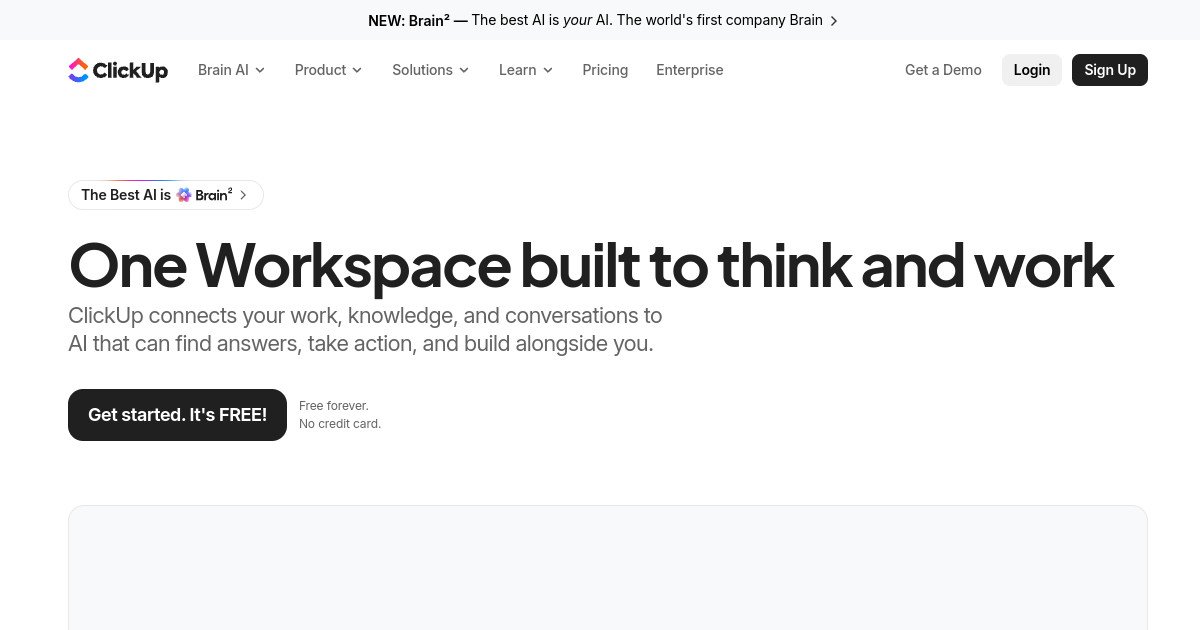
ClickUp is an all-in-one work management platform for tasks, projects, docs, goals, dashboards, time tracking, chat, automation, and AI-assisted workflows.
What is ClickUp?
ClickUp is an all-in-one work management platform that combines tasks, projects, docs, goals, dashboards, time tracking, forms, chat, automations, and AI features. It is designed to replace several separate productivity tools with one highly configurable workspace.
Where ClickUp fits in a small business workflow
ClickUp fits growing teams that manage many recurring processes and want project execution, documentation, reporting, and communication to stay connected. Agencies, marketing teams, and operations groups can customize spaces, statuses, fields, and views around different workflows while keeping work in one system.
When ClickUp may not be the right fit
ClickUp may not be the right fit for teams that only need simple to-do lists or basic Kanban boards. Its breadth can create unnecessary complexity, and poorly designed workspaces can become harder to maintain than a smaller, more focused tool.
Who is ClickUp best for?
Available on: Android, iOS, macOS, Web, Windows.
Who should choose it?
Choose ClickUp if your team wants one configurable platform for tasks, projects, docs, goals, dashboards, time tracking, and automations.
Who should skip it?
Skip ClickUp if your team prefers a very simple task manager and does not want to spend time configuring views, fields, statuses, and workspace structure.
Similar tools to consider

Teams and individuals that want documents, knowledge, databases, project tracking, and lightweight workflows in one flexible workspace.
View details
Teams that want structured project management with clear ownership, deadlines, workflows, goals, and cross-project visibility.
View details
Teams that want visual project and process management with customizable boards, dashboards, automations, and cross-team workflows.
View detailsPricing and core product details were last checked on Oct 10, 2026. Software pricing and features can change, so confirm important details on the official website before purchasing.