
Notion
Notion Review: Pricing, Pros, Cons & Best For
Teams and individuals that want documents, knowledge, databases, project tracking, and lightweight workflows in one flexible workspace.
Combines docs, wikis, databases, projects, forms, and increasingly capable AI features in one highly flexible workspace.
Its flexibility can create messy workspaces and inconsistent structures if teams do not establish clear conventions.
What can you use Notion for?
Should you use Notion?
Notion is a strong choice for small teams that want to combine documentation, knowledge management, databases, and lightweight project work in one place. It is especially useful when flexibility matters more than rigid project-management structure.
What we like
- Flexible docs and databases
- Strong knowledge-base capabilities
- Useful templates
- Good collaboration
- Forms and lightweight sites
- AI features available
What to consider
- Can become messy without governance
- Advanced project reporting is lighter than dedicated project-management tools
- Teams may spend too much time customizing systems
Overview
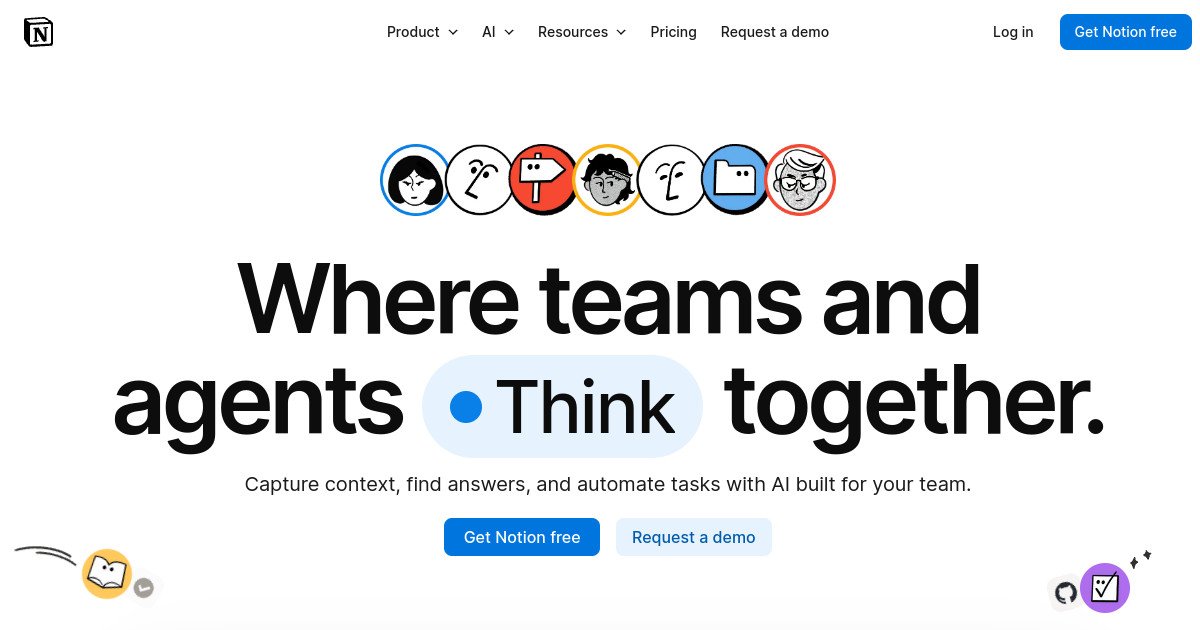
Notion is an all-in-one workspace for documents, wikis, databases, project tracking, forms, lightweight sites, calendars, and AI-assisted knowledge work.
What is Notion?
Notion is a collaborative workspace that combines documents, wikis, databases, forms, project tracking, calendars, lightweight websites, and AI-assisted knowledge features. Teams can build custom systems for documentation, planning, content, projects, and internal knowledge without needing separate tools for each function.
Where Notion fits in a small business workflow
Notion fits teams that want work context and documentation close together. A small business can keep SOPs, campaign plans, project trackers, meeting notes, client information, and team knowledge in connected pages and databases, then adapt those structures as the company changes.
When Notion may not be the right fit
Notion may not be the right fit if your team needs strict workflow enforcement, advanced resource management, complex dependencies, or highly specialized project reporting. Its flexibility is powerful, but it also requires discipline to prevent duplicate databases and inconsistent processes.
Who is Notion best for?
Available on: Android, iOS, macOS, Web, Windows.
Who should choose it?
Choose Notion if you want one flexible workspace for documentation, knowledge, planning, databases, and lightweight project management.
Who should skip it?
Skip Notion if you need highly structured project management, advanced workload planning, or detailed portfolio reporting out of the box.
Similar tools to consider

Teams that want project management, docs, goals, time tracking, dashboards, chat, and automation in one configurable work platform.
View details
Teams that want structured project management with clear ownership, deadlines, workflows, goals, and cross-project visibility.
View details
Teams that want visual project and process management with customizable boards, dashboards, automations, and cross-team workflows.
View detailsPricing and core product details were last checked on Oct 10, 2026. Software pricing and features can change, so confirm important details on the official website before purchasing.