

Make Review: Pricing, Pros, Cons & Best For
Visual workflow automation that connects apps, APIs, AI tools, and business processes.
Powerful visual automation builder with thousands of app integrations and flexible workflow logic.
Complex scenarios can become difficult to understand and credit usage can be confusing for beginners.
What can you use Make for?
Should you use Make?
Make is a powerful option for businesses that need flexible multi-step automation and want more control over workflow logic than simple trigger-and-action tools provide. It offers strong value, but complex scenarios and credit usage can take time to understand.
What we like
- Powerful visual workflow builder
- Flexible branching and data transformation
- Large integration library
- Free plan available
- Good value for complex automations
What to consider
- Steeper learning curve than simpler automation tools
- Credit usage can be confusing
- Large scenarios can become difficult to maintain
Overview
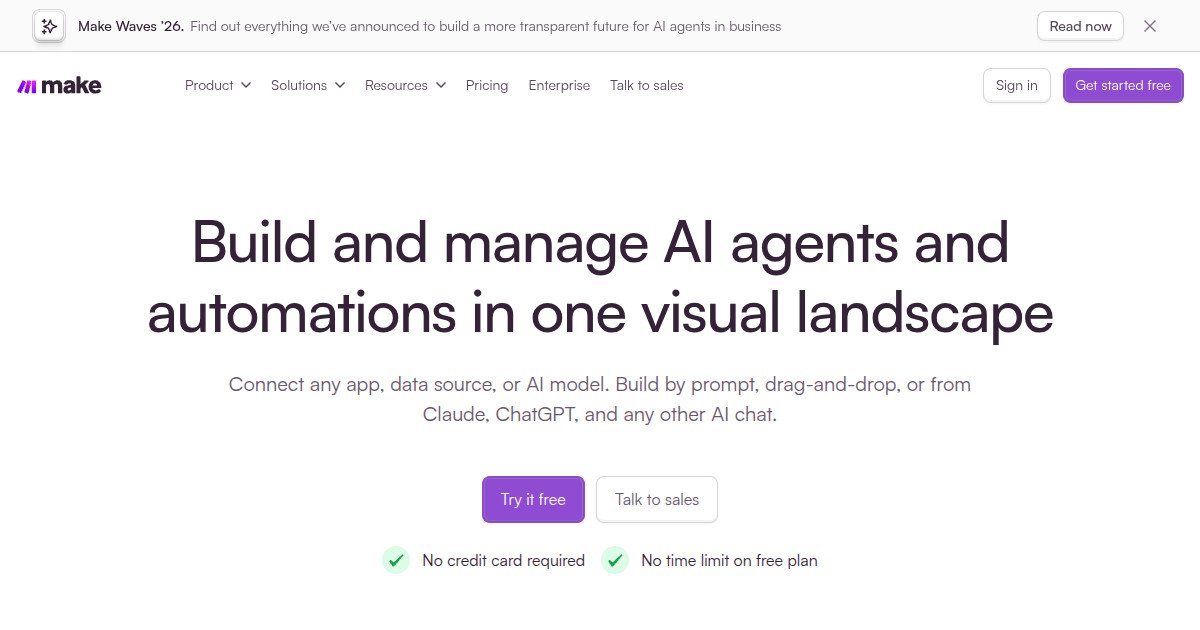
Make is a visual automation platform for connecting apps, APIs, data, and AI tools into multi-step workflows. Its scenario builder gives users more control over branching, transformations, and complex automation than many basic no-code automation tools.
What is Make?
Make is a visual no-code automation platform for connecting apps, APIs, data, and AI tools into multi-step workflows. Its scenario builder gives users detailed control over branching, filters, data transformation, and complex logic, making it more flexible than many simple trigger-and-action automation tools.
Where Make fits in a small business workflow
Make is useful when a small business wants to reduce repetitive work between several apps. It can move leads between forms and CRMs, synchronize data, automate reporting, connect marketing tools, and orchestrate AI-assisted workflows. It is particularly valuable when automations need multiple steps or custom logic rather than a single action.
When Make may not be the right fit
Make may feel unnecessarily complex if you only need a handful of simple automations. The visual builder has a learning curve, and larger scenarios can become difficult to maintain. Businesses that value the fastest possible setup over flexibility may prefer a simpler automation platform.
Who is Make best for?
Available on: Web.
Who should choose it?
Choose Make if you need flexible multi-step workflows, branching logic, data transformation, or API-based automation and are comfortable spending some time learning the platform.
Who should skip it?
Skip Make if you only need a few very simple automations and prefer the easiest possible setup over deeper workflow control.
Similar tools to consider

No-code automation connecting thousands of business apps and AI workflows.
View details
Technical teams and small businesses that need flexible app, API, data, and AI automation with optional self-hosting.
View details
Advanced email marketing and customer journey automation.
View detailsPricing and core product details were last checked on Oct 10, 2026. Software pricing and features can change, so confirm important details on the official website before purchasing.