
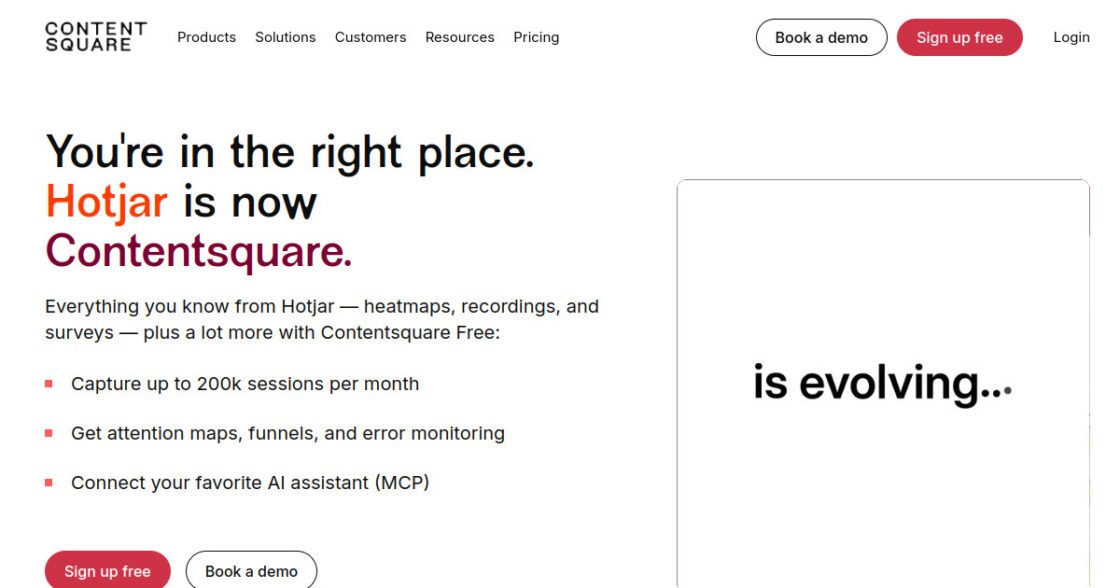

Hotjar Review: Pricing, Pros, Cons & Best For
Behavior analytics and qualitative feedback for teams improving conversion and user experience.
Combines visual behavior analytics with direct user feedback and research tools.
Costs can increase when you need higher session volumes or multiple Hotjar products.
What can you use Hotjar for?
Should you use Hotjar?
Hotjar is useful when traffic numbers alone do not explain why visitors convert or leave. Heatmaps, recordings, and feedback tools make it easier to investigate user behavior, but small sites should compare the paid tiers with free alternatives such as Microsoft Clarity.
What we like
- Heatmaps
- Session recordings
- Surveys and feedback
- Easy setup
- Free Basic plan
What to consider
- Paid tiers can become expensive
- Multiple products can increase cost
- Not a replacement for full acquisition analytics
Overview
Hotjar is a behavioral analytics and user-feedback platform that combines heatmaps, session recordings, surveys, feedback tools, and user research features.
What is Hotjar?
Hotjar is a product-experience and behavior-analytics platform that helps teams understand how visitors use websites through tools such as heatmaps, recordings, surveys, and feedback.
Where Hotjar fits in a small business workflow
Hotjar fits marketing, UX, and product teams that already know what happened in analytics but need more context about why visitors behave that way. It is practical for investigating friction on landing pages, forms, funnels, and key website journeys.
When Hotjar may not be the right fit
Hotjar may not be the right fit if you only need traffic and conversion reporting, or if your site has strict privacy requirements that make session-based behavior analysis difficult to deploy. It complements rather than replaces standard web analytics.
Who is Hotjar best for?
Available on: Web.
Who should choose it?
Choose Hotjar if you want visual behavior data plus direct user feedback to improve website UX and conversion rates.
Who should skip it?
Skip it if free session recordings and heatmaps are enough for your needs or if you primarily need marketing attribution rather than user-behavior research.
Similar tools to consider

Website and app analytics for businesses that need traffic, acquisition, engagement, and conversion reporting.
View details
Understanding how visitors click, scroll, navigate, and get stuck on websites.
View details
Businesses that want strong analytics while maintaining greater control over their data and hosting.
View detailsPricing and core product details were last checked on Sep 17, 2026. Software pricing and features can change, so confirm important details on the official website before purchasing.