
Grammarly Review: Pricing, Pros, Cons & Best For
Improving business writing, rewriting text, adjusting tone, checking grammar, and creating clearer communication across everyday apps.
Works across many writing environments and provides immediate editing assistance without requiring users to move their work into a separate AI chat.
It is focused on writing quality rather than broad research, reasoning, analysis, or general business automation.
What can you use Grammarly for?
Should you use Grammarly?
Grammarly is one of the easiest AI tools to justify for people who write all day. Its biggest strength is that it improves communication directly inside existing workflows, but it should be treated as a writing assistant rather than a replacement for a general-purpose AI platform.
What we like
- Useful free plan
- Works across many apps and websites
- Strong rewriting and tone features
- Easy to learn
- Pro includes generative AI prompts
What to consider
- Narrower than general AI assistants
- Monthly billing is significantly more expensive than annual
- Advanced features require Pro
Overview
Grammarly is an AI-powered writing assistant for grammar, clarity, rewriting, tone, brand consistency, plagiarism checks, and generative writing support across apps and browsers.
What is Grammarly?
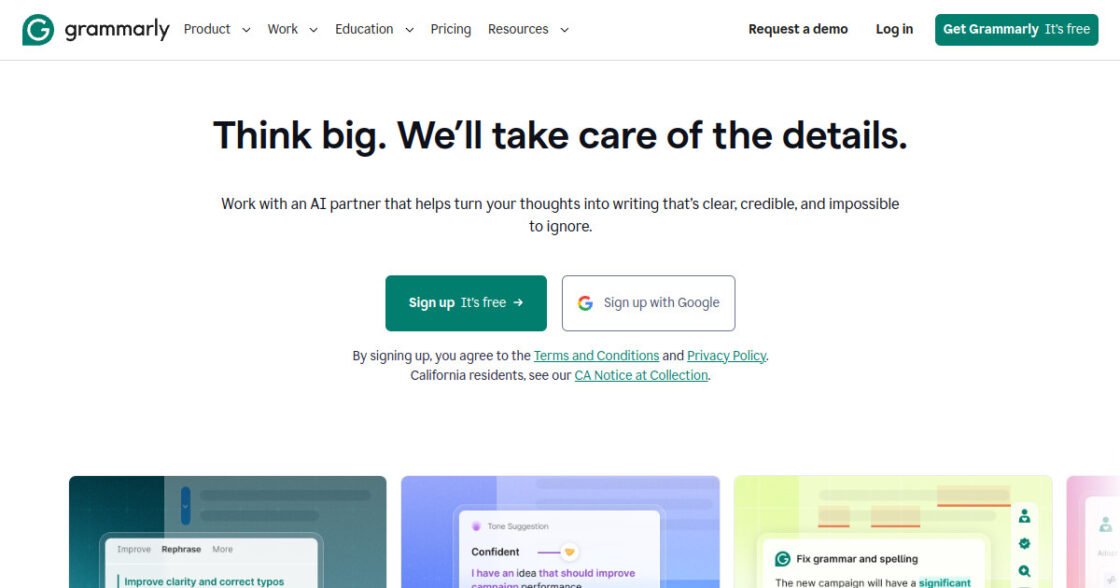
Grammarly is an AI-assisted writing tool for checking grammar, spelling, clarity, tone, and style across emails, documents, browsers, and supported workplace apps. It is designed to help individuals and teams improve everyday business writing without requiring a separate editing workflow.
Where Grammarly fits in a small business workflow
Grammarly fits into a small business workflow when employees regularly write emails, proposals, website copy, support messages, reports, or marketing content. It can provide quick writing feedback while people work, helping teams maintain clearer and more consistent communication.
When Grammarly may not be the right fit
Grammarly may not be the right fit if you need a full content production platform, deep brand workflow management, or specialist editing for technical or highly regulated writing. Its suggestions still need human review and context.
Who is Grammarly best for?
Available on: Android, iOS, macOS, Web, Windows.
Who should choose it?
Choose Grammarly if you write emails, documents, marketing copy, or other business communication every day and want AI assistance directly inside your normal writing workflow.
Who should skip it?
Skip Grammarly as a primary AI subscription if your main needs are research, coding, data analysis, or broad multimodal work rather than writing quality.
Similar tools to consider

General AI assistance for writing, research, analysis, coding, brainstorming, and everyday business work.
View details
Writing, reasoning, coding, research, and analyzing long documents or complex information.
View details
AI assistance for research, writing, productivity, and users who work heavily inside Google services.
View detailsPricing and core product details were last checked on Oct 10, 2026. Software pricing and features can change, so confirm important details on the official website before purchasing.