

goose Review: Pricing, Pros, Cons & Best For
Developers and technical operators who want a local AI assistant with extensible tools and reusable automation recipes.
Local execution, broad MCP extensibility, provider flexibility, and shareable automation recipes.
Users manage model access, permissions, extensions, and reliability; hosted inference may create variable costs.
What can you use goose for?
Should you use goose?
goose is an attractive open-source agent for users who prefer desktop or terminal workflows and already work with development tools. Its many MCP extensions can be powerful, but extensions and commands need careful permission review.
What we like
- Open-source Apache 2.0 license
- Desktop app, CLI, and API
- MCP integrations
- Multiple model providers
- Reusable YAML recipes
- Subagents and security controls
What to consider
- Learning curve for tools and permissions
- API model costs depend on provider
- Some MCP extensions may be untrusted or require setup
- Less turn-key for nontechnical teams
Overview
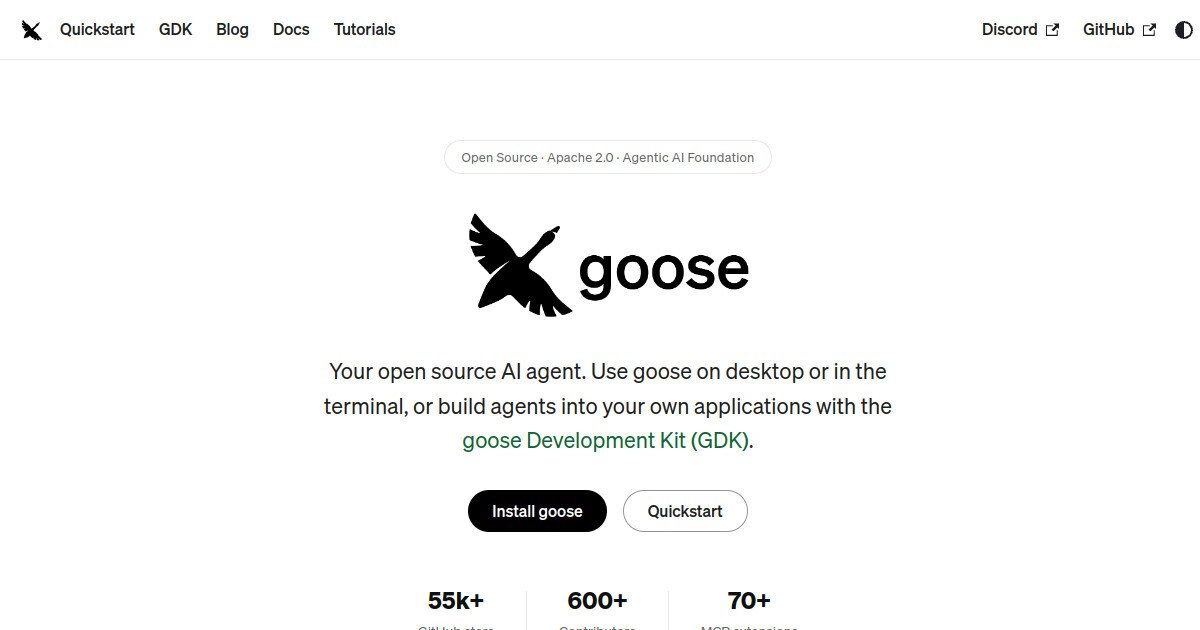
goose is an open-source local AI agent for coding, research, data work, and everyday automation. The Agentic AI Foundation project offers a desktop app, terminal CLI, and API, supports model-provider choice, and extends capabilities through Model Context Protocol (MCP) integrations and reusable recipes.
What is goose?
goose is an open-source general-purpose AI agent that runs locally and uses integrations to perform multi-step tasks beyond conversation.
Where goose fits in a small business workflow
Install the desktop app or CLI, select a provider, begin with read-only integrations and a small task, then use recipes and approvals for repeatable work.
When goose may not be the right fit
Not ideal for teams unwilling to manage local setups, API providers, and command permissions; complex cloud administration may require additional infrastructure.
Who is goose best for?
Available on: Linux, macOS, Windows.
Who should choose it?
Choose goose if you want an extensible agent running on your machine, with desktop and terminal interfaces and flexible model choices.
Who should skip it?
Skip goose if you require a fully managed team agent with no installation or responsibility for model credentials and tool permissions.
Similar tools to consider

Nontechnical and technical users seeking a hosted agent to produce research, reports, slide decks, and web deliverables.
View details
Technical users who want an autonomous agent with its own Linux environment and configurable tool access.
View details
Technical users who want a customizable personal agent that stores memory and procedures across sessions.
View detailsPricing and core product details were last checked on Nov 5, 2026. Software pricing and features can change, so confirm important details on the official website before purchasing.