
Fathom

Fathom Review: Pricing, Pros, Cons & Best For
Consultants, founders, and small teams that want unlimited meeting capture with simple summaries and an easy path to more advanced AI follow-up features.
Generous free meeting capture with unlimited recordings and transcriptions, plus a simple user experience that keeps meeting follow-up lightweight.
Advanced summaries, action items, cross-call AI, team collaboration, and deeper CRM automation require Premium or team plans.
What can you use Fathom for?
Should you use Fathom?
Fathom is a good fit for users who want AI meeting notes without turning note-taking into another complicated system. Its free plan covers unlimited recordings and transcriptions, while paid plans add stronger AI summaries, action items, search, collaboration, and CRM workflows.
What we like
- Unlimited recordings and transcriptions on Free
- Instant AI summaries
- Bot and bot-free capture options
- AI action items on paid plans
- CRM sync
- Search, clips, and playlists
What to consider
- Advanced AI features are limited on Free
- Team collaboration requires paid team plans
- CRM field sync reserved for higher plans
- Some organization controls require Enterprise
Overview
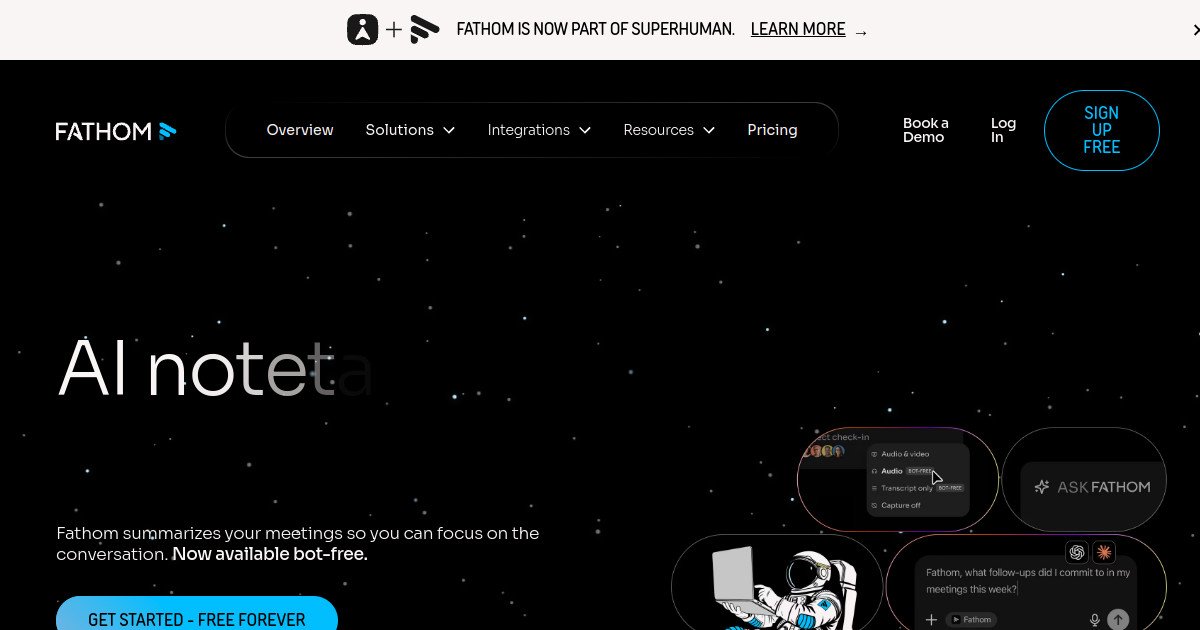
Fathom is an AI meeting notetaker that records and transcribes meetings, creates instant summaries and action items, supports bot and bot-free capture options, and connects meeting context to CRM and workflow tools.
What is Fathom?
Fathom is an AI meeting assistant that records online meetings, produces transcripts and AI summaries, creates clips and searchable meeting records, and can generate action items and follow-up content. It supports individual use as well as paid team workspaces with collaboration, CRM, coaching, and security features.
Where Fathom fits in a small business workflow
Fathom fits a small business workflow when people want to stop taking manual meeting notes but still keep the post-meeting process simple. It can capture conversations, create summaries, surface action items, sync notes to supported CRMs, and help users search previous calls without requiring a heavy sales-intelligence platform.
When Fathom may not be the right fit
Fathom may not be the right fit for organizations that need advanced revenue intelligence, forecasting, or highly customized organization-wide automations. Its strongest value is meeting capture and follow-up rather than full revenue operations.
Who is Fathom best for?
Available on: macOS, Web, Windows.
Who should choose it?
Choose Fathom if you want a lightweight meeting assistant with unlimited core recording and transcription, useful summaries, and a simple upgrade path for AI follow-up and team features.
Who should skip it?
Skip Fathom if you need deep revenue forecasting, highly advanced conversation intelligence, or complex organization-wide workflow automation from day one.
Similar tools to consider

Sales, customer-success, and other customer-facing teams that want meeting notes connected directly to CRM updates, coaching, and revenue workflows.
View details
Individuals and small teams that prioritize live transcription, searchable meeting notes, speaker identification, and a straightforward meeting archive.
View details
Remote and customer-facing teams that need unlimited meeting capture, searchable recordings, CRM sync, and stronger workflows across many meetings.
View detailsPricing and core product details were last checked on Oct 10, 2026. Software pricing and features can change, so confirm important details on the official website before purchasing.