

GetResponse Review: Pricing, Pros, Cons & Best For
Growing businesses and creators that need email newsletters, landing pages, list building, and a path into deeper automation or funnels.
Broad email and lead-generation toolkit with a permanent free tier and clear upgrade path to automation, webinars, and creator tools.
Free features are basic; advanced segmentation, ecommerce workflows, webinars, and creator tools require higher tiers.
What can you use GetResponse for?
Should you use GetResponse?
GetResponse is a flexible option for businesses that want more than newsletters without immediately buying a full marketing suite. The Free plan supports basic email and lead capture, Starter unlocks unlimited email sending with limited automation, and higher plans provide deeper customer journeys and specialized sales or creator features.
What we like
- Permanent free email tier
- Landing pages and signup forms
- Unlimited sends on paid Starter
- Marketing automation upgrade path
- Audience management and reporting
- Webinars and creator tools on higher plans
What to consider
- Free plan has list and sending caps
- Advanced automation requires higher tiers
- Webinar and course features are not included in Starter
- More feature complexity than simple newsletter tools
Overview
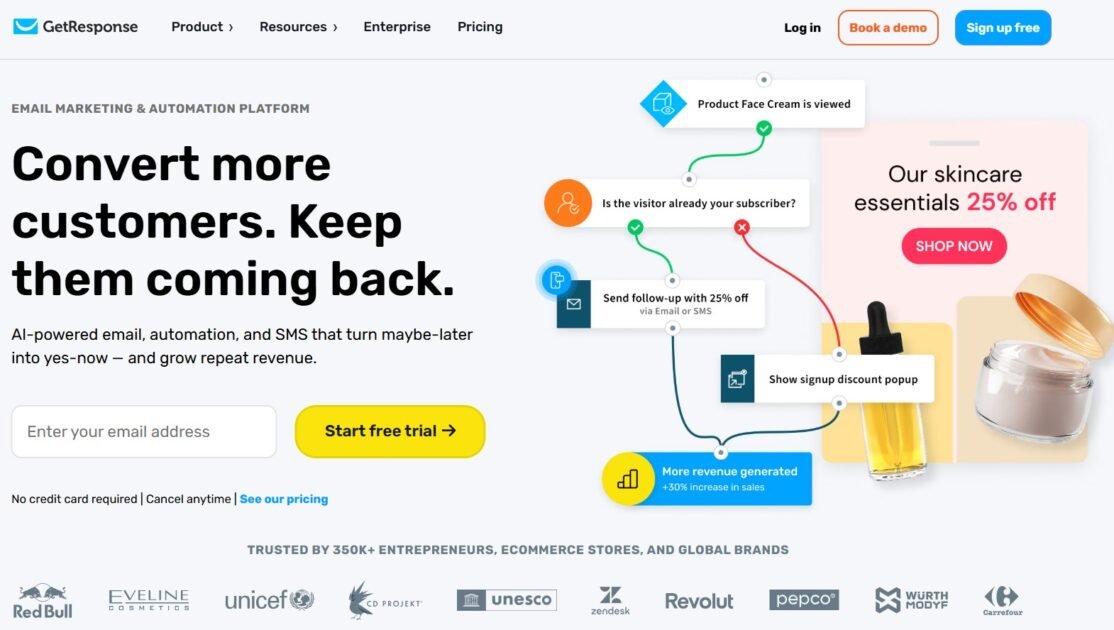
GetResponse is an email marketing and automation platform for newsletters, signup forms, landing pages, audience segmentation, and customer journeys. Its Starter plan supports unlimited email sends and basic automation, while higher tiers add advanced workflows, ecommerce-oriented funnels, webinars, course tools, and other specialized capabilities. A limited permanent Free plan is available for beginners who want to grow a mailing list before upgrading.
What is GetResponse?
GetResponse is a hosted marketing platform that combines email campaigns, subscriber management, forms, landing pages, and automation. It offers Free and paid service levels; capabilities such as advanced segmentation, ecommerce funnels, webinars, and course creation depend on the selected plan.
Where GetResponse fits in a small business workflow
Create signup forms and landing pages to capture leads, organize contacts, send newsletters, and measure engagement. Use welcome sequences on Starter, then expand into multi-step automation, ecommerce recovery, and educational or creator campaigns when the marketing program becomes more sophisticated.
When GetResponse may not be the right fit
GetResponse may be excessive for a team sending only occasional newsletters. Its Free plan does not provide the full automation suite, and the more complex funnel, webinar, and course offerings require higher-priced subscriptions, so evaluate the exact tier before choosing it.
Who is GetResponse best for?
Available on: Web.
Who should choose it?
Choose GetResponse if you want to start with newsletters and landing pages, then add customer journeys, funnel campaigns, or creator-focused tools as your marketing grows.
Who should skip it?
Skip GetResponse if you only need the simplest broadcast-email interface or if your budget cannot support the higher-tier features required for advanced ecommerce automation or webinars.
Similar tools to consider

Online retailers that need ecommerce email campaigns, prebuilt customer journeys, segmentation, and automated follow-ups.
View details
Small businesses and marketing teams that need cost-conscious email newsletters, subscriber management, and integration with Zoho CRM, with room to grow into automation.
View details
Small businesses that want affordable newsletters, automation, landing pages, forms, and transactional email with a generous free plan.
View detailsPricing and core product details were last checked on Oct 27, 2026. Software pricing and features can change, so confirm important details on the official website before purchasing.