
Find Missing Image ALT Text in WordPress
Scan your media library, posts, pages, and featured images. Find ALT text that needs attention and fix it from a clear, lightweight WordPress dashboard.

Everything you need to review missing ALT text
A focused plugin that helps you find image issues without a complicated SEO dashboard.
Media Library Audit
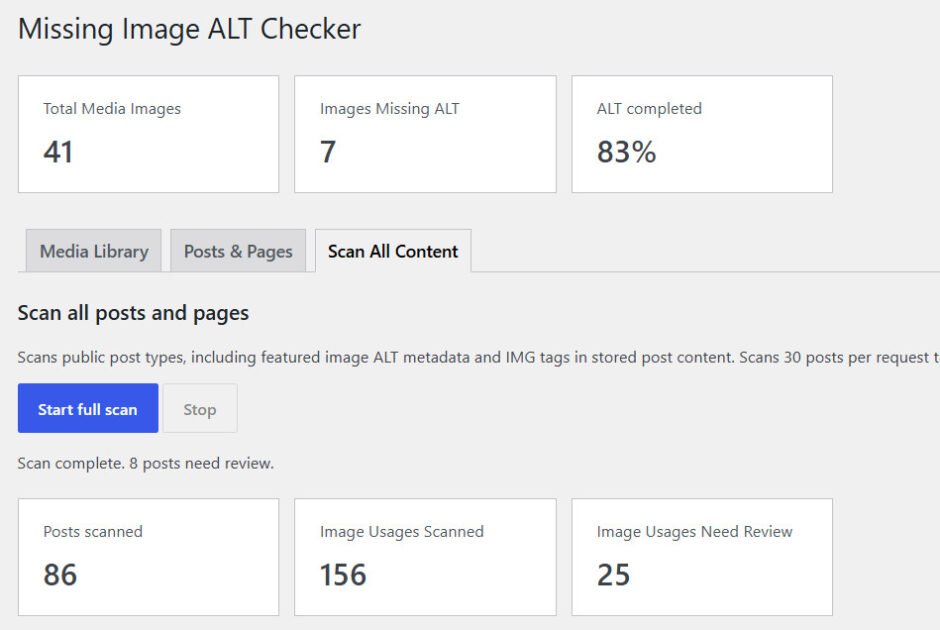
See how many images you have, which are missing ALT text, and your overall ALT coverage.
Full Content Scan
Review stored image tags and featured-image ALT metadata across posts and pages, scanned in batches.
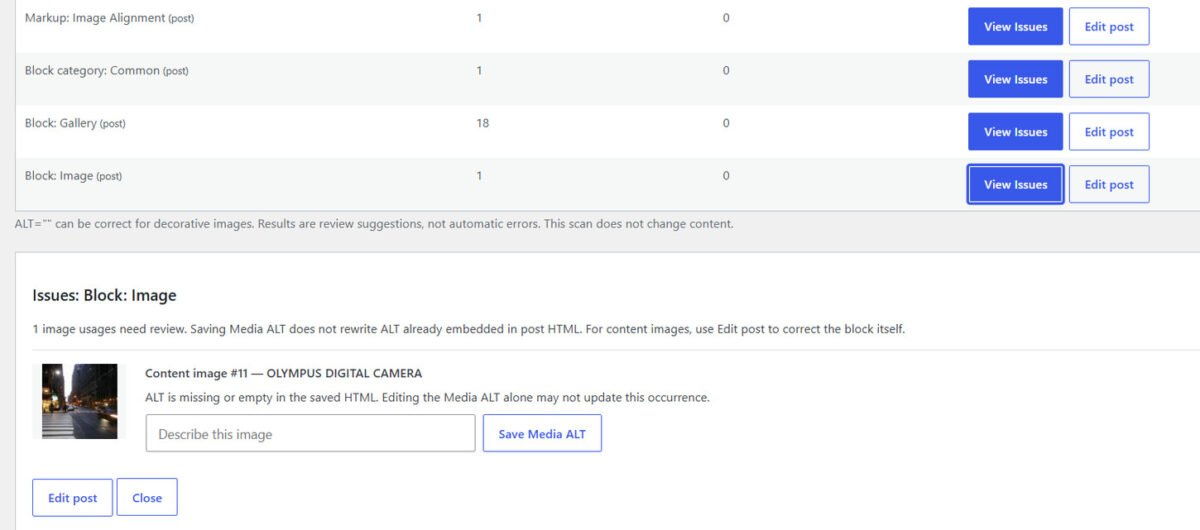
View Issues
Open image previews, see which article needs attention, and jump to its editor when needed.
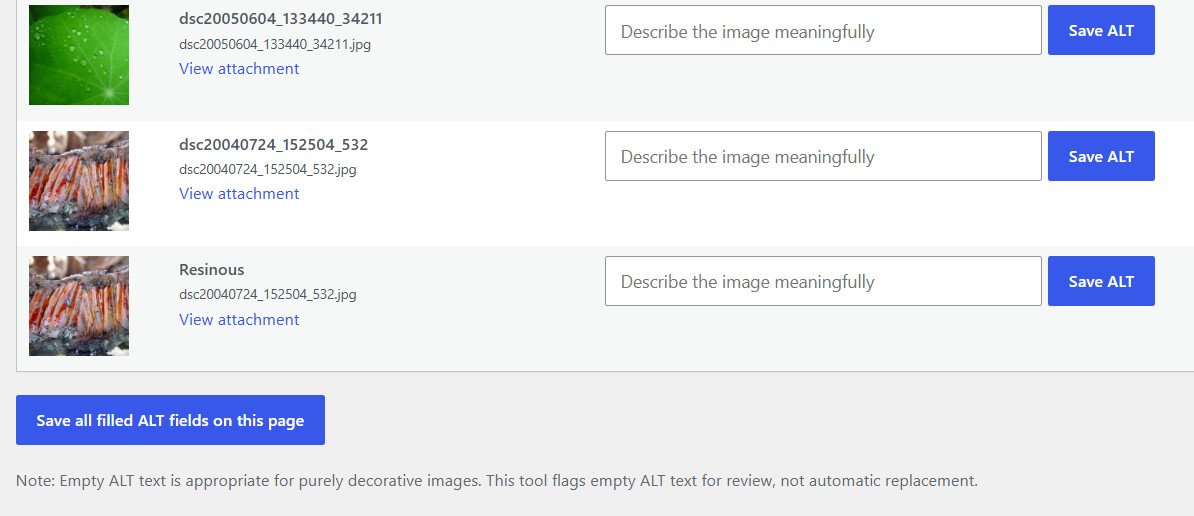
Quick ALT Editing
Write meaningful ALT descriptions directly in the plugin’s Media Library review screen.
Bulk Save
Fill multiple ALT fields on the current results page and save the completed descriptions together.
No External Services
Works on your own WordPress site without requiring an account, AI credits, or a paid API.
From missing ALT to a clearer image library
Install and activate
Upload the plugin ZIP in WordPress → Plugins → Add New Plugin → Upload Plugin.
Run your scan
Open Media → ALT Checker. Review the Media Library or use Scan All Content to check image usages.
Review and improve
Use View Issues, edit Media ALT fields, or open an article to update ALT stored inside its blocks.
See what you can do
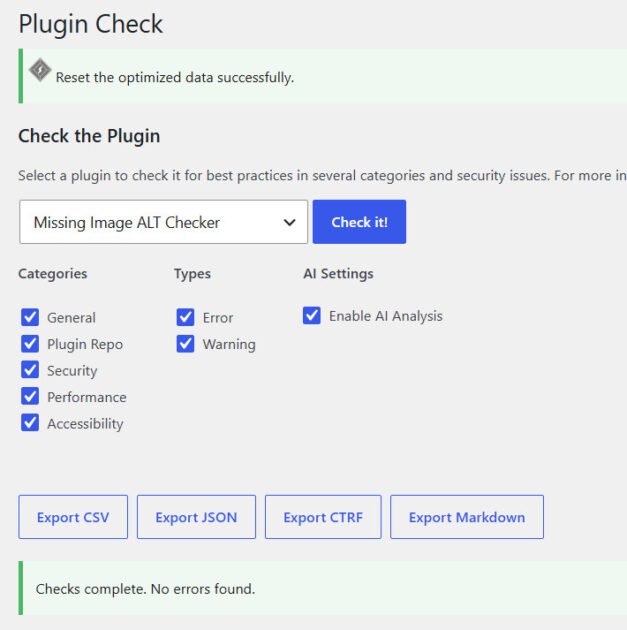
Preview the dashboard, content scan, issue details, and bulk ALT editing workflow.
Accurate audits, without misleading promises
Questions before installing?
Is WTL – Missing Image ALT Checker free?
Yes. The plugin is free, licensed GPLv2 or later, and requires no paid API or AI subscription.
Does it automatically generate ALT text?
No. You review images and write appropriate descriptions, helping prevent inaccurate or unnecessary ALT text.
Why can “Image Usages Scanned” exceed the number of Media Library images?
One image can be used in multiple posts or featured images. Each appearance is counted as an image usage.
Will a Media Library ALT edit update old Gutenberg images?
Not necessarily. Gutenberg may store ALT in post content. For those images, use Edit Post to update the block safely.
Does the plugin send data to WiseTechList?
No. The audit and edits run within your WordPress website; no external account or tracking service is required.
Start improving your image ALT text today.
Find what needs review, update descriptive ALT text, and keep your Media Library easier to maintain.