
Trello
Trello Review: Pricing, Pros, Cons & Best For
Individuals and small teams that want simple, visual Kanban-style project and task management without a heavy setup process.
Very easy to understand and adopt, with a flexible board-and-card model that works for many lightweight workflows.
It becomes less suitable when teams need advanced reporting, portfolio management, workload planning, or complex dependencies.
What can you use Trello for?
Should you use Trello?
Trello is one of the easiest project-management tools to adopt for simple visual workflows. It is excellent for small teams and lightweight projects, but growing organizations may eventually need stronger reporting, planning, and portfolio capabilities.
What we like
- Very easy to learn
- Generous free plan
- Flexible Kanban boards
- Unlimited Power-Ups per board on Free
- Useful automation
- Good mobile apps
What to consider
- Limited advanced reporting
- Weak portfolio and resource planning compared with larger platforms
- Large boards can become difficult to manage
Overview
Trello is a simple visual project-management tool built around boards, lists, and cards for organizing tasks, workflows, and lightweight team projects.
What is Trello?
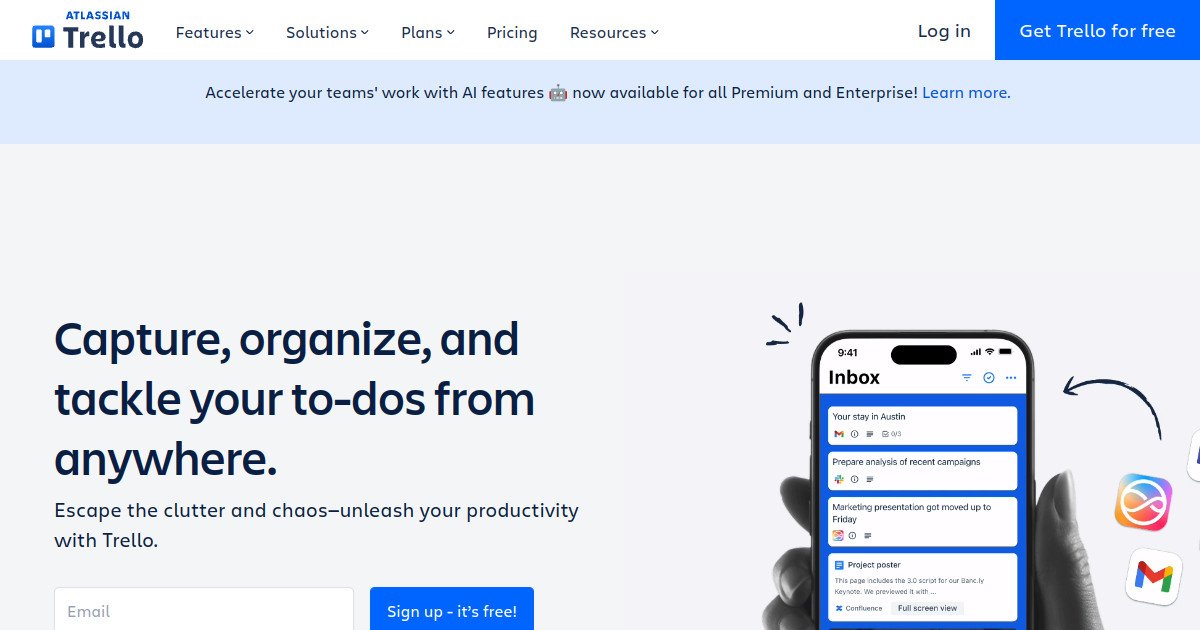
Trello is a visual project-management tool built around boards, lists, and cards. Teams use it to organize tasks, track progress, assign work, set due dates, automate simple actions, and manage lightweight workflows without a complicated setup process.
Where Trello fits in a small business workflow
Trello fits small teams and individuals that think visually and want to move work through clear stages. It works well for editorial calendars, campaign boards, content production, simple client workflows, and personal planning where a Kanban-style view is enough.
When Trello may not be the right fit
Trello may not be the right fit once project management requires advanced dependencies, portfolio visibility, resource planning, complex reporting, or large-scale governance. Its simplicity is a strength for lightweight work but can become a limitation for complex programs.
Who is Trello best for?
Available on: Android, iOS, macOS, Web, Windows.
Who should choose it?
Choose Trello if you want a simple visual board for tasks and projects that people can learn quickly with very little configuration.
Who should skip it?
Skip Trello if you need complex dependencies, portfolio reporting, workload management, detailed project analytics, or sophisticated cross-project planning.
Similar tools to consider

Teams that want project management, docs, goals, time tracking, dashboards, chat, and automation in one configurable work platform.
View details
Teams and individuals that want documents, knowledge, databases, project tracking, and lightweight workflows in one flexible workspace.
View details
Teams that want structured project management with clear ownership, deadlines, workflows, goals, and cross-project visibility.
View detailsPricing and core product details were last checked on Oct 10, 2026. Software pricing and features can change, so confirm important details on the official website before purchasing.