
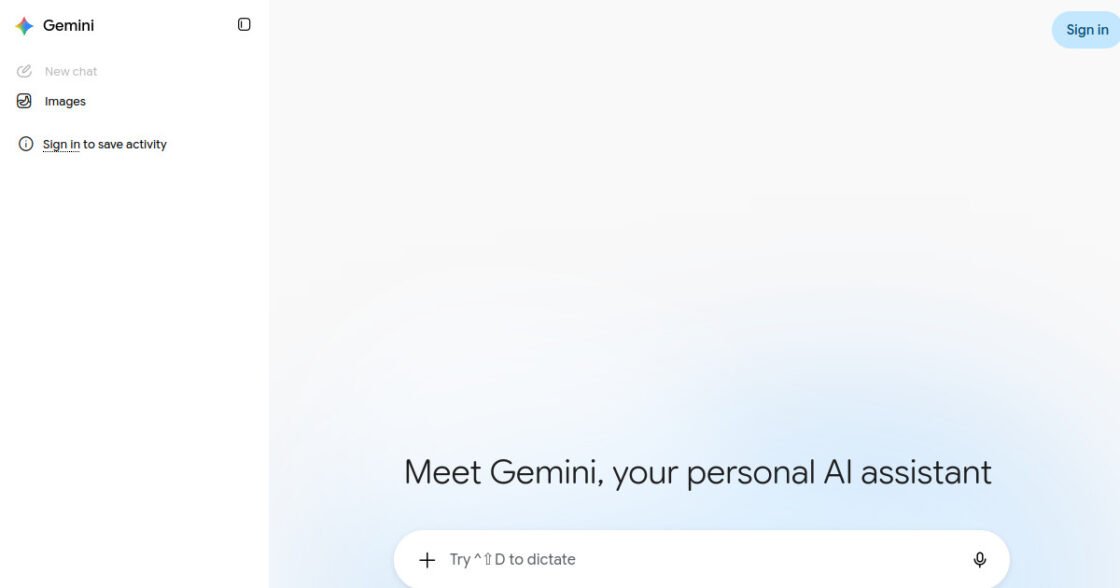

Gemini Review: Pricing, Pros, Cons & Best For
AI assistance for research, writing, productivity, and users who work heavily inside Google services.
Deep integration with the Google ecosystem plus strong research, multimodal, and productivity features.
Plans, limits, and some advanced features can vary by country and Google subscription tier.
What can you use Gemini for?
Should you use Gemini?
Gemini is especially attractive for businesses and individuals already using Google Workspace and other Google products. Its value is strongest when AI assistance is useful inside the broader Google ecosystem rather than only in a standalone chat window.
What we like
- Free plan available
- Strong Google ecosystem integration
- Deep Research capabilities
- Multimodal features
- Useful for Google-centric workflows
What to consider
- Plan availability varies by region
- Feature limits can be complex
- Best value depends on how much you use Google services
Overview
Gemini is Google’s AI assistant for research, writing, reasoning, file analysis, creative work, and productivity across Google services.
What is Gemini?
Gemini is Google's AI assistant for research, writing, reasoning, file analysis, creative work, and productivity. Its strongest differentiator is its connection to the broader Google ecosystem, making it especially relevant for businesses that already depend on Google Workspace and other Google services.
Where Gemini fits in a small business workflow
Gemini can fit naturally into a small business that already works in Google products. It can help draft and summarize content, research topics, analyze files, support everyday productivity, and assist with work that begins or ends in Google services. This can reduce friction for teams that prefer to keep AI close to their existing workspace.
When Gemini may not be the right fit
Gemini may be less compelling if your business rarely uses Google products or prefers an AI workflow that is independent of a single productivity ecosystem. Availability, limits, and some advanced features can also vary by country and subscription tier.
Who is Gemini best for?
Available on: Android, iOS, Web.
Who should choose it?
Choose Gemini if your work already relies heavily on Google services and you want AI integrated into that ecosystem.
Who should skip it?
Skip Gemini if you rarely use Google products or prefer a standalone AI tool with a workflow that is less tied to one productivity ecosystem.
Similar tools to consider

General AI assistance for writing, research, analysis, coding, brainstorming, and everyday business work.
View details
Writing, reasoning, coding, research, and analyzing long documents or complex information.
View details
Web research, cited answers, competitive research, fact finding, and fast exploration of unfamiliar topics.
View detailsPricing and core product details were last checked on Sep 17, 2026. Software pricing and features can change, so confirm important details on the official website before purchasing.